Insider Spotlight
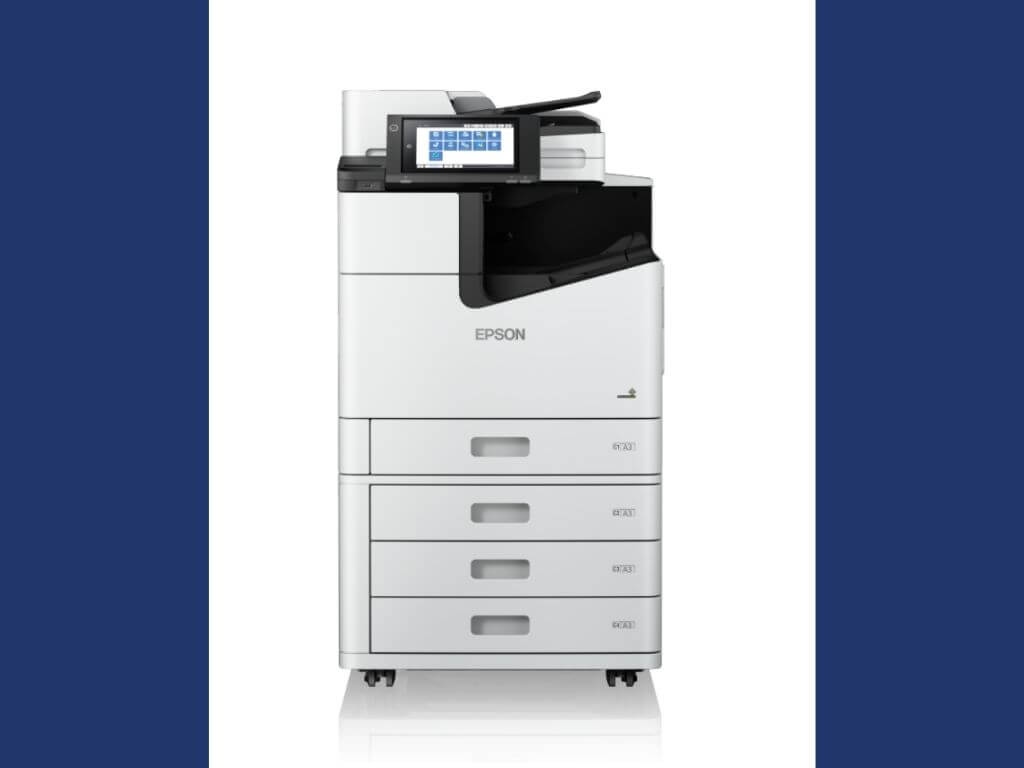
The printer delivers speeds of up to 100 images per minute for both one-sided and double-sided printing, allowing offices to maintain the same output rate when producing reports, administrative documents and customer materials.
Why it matters
Large-volume printing can become an operational bottleneck when employees must repeatedly replace supplies, wait for machines to warm up or manually complete document-finishing tasks.
The WF-C21000 addresses those pain points with high-yield ink cartridges capable of printing up to 100,000 pages in black and 50,000 pages in color without interruption.
Epson said the capacity reduces the need for frequent ink replacement and printer monitoring during demanding jobs.
The technology
Epson’s heat-free technology does not require heat during the ink-ejection process, allowing the WF-C21000 to begin printing without a warm-up period.
The company said the technology also consumes less power than laser technology and requires fewer replacement parts, potentially reducing energy use and maintenance requirements.
The system also offers finishing options covering stapling, hole punching and booklet printing, enabling offices to complete more document-production steps within a single machine rather than relying on separate processes.
What they’re saying
“For businesses, reliable tools are important to keeping daily work moving. At Epson, we design our business printers to handle high workloads with fewer interruptions. This helps teams keep working while also reducing energy use and the need for frequent maintenance,” Epson Philippines Corp. president and director Masako Kusama said in a press statement.
Epson said the combination of printing speed, capacity, immediate output and integrated finishing is aimed at workplaces where large print jobs are part of daily operations and where reducing employee attention to printer management can help keep workflows moving. —Vanessa Hidalgo | Ed: Corrie S. Narisma